



backHUB enhances HubSpot data protection by providing an automated, redundant backup solution built on the strutoIX infrastructure. It mitigates the risks of accidental deletion and integration errors through scheduled daily backups and on-demand restoration capabilities. By storing data in independent locations, backHUB ensures business continuity and compliance with regulatory standards like GDPR, offering businesses full ownership and control over their CRM data.
Does HubSpot Automatically Back Up My Data?
HubSpot provides robust platform-level security, including encryption and infrastructure redundancy, to ensure the service remains online. However, under the SaaS Shared Responsibility Model, HubSpot is responsible for the security of the cloud, while the business is responsible for the data in the cloud. This means that if a user accidentally deletes a workflow, or a faulty integration corrupts a contact list, HubSpot's native disaster recovery may not be able to restore that specific data easily. Therefore, implementing a dedicated solution like backHUB is essential to cover this gap and protect against human error and malicious intent.
How Does backHUB Automate Backup and Recovery?
backHUB automates backup and recovery by scheduling regular data snapshots without requiring manual intervention. Built on the secure strutoIX middleware, it ensures that your data is consistently safeguarded against unexpected loss. In the event of a data incident, backHUB offers on-demand restoration capabilities, allowing businesses to recover lost information quickly. This feature is critical for maintaining business continuity, as it drastically reduces the Recovery Time Objective (RTO) and minimises the impact on customer trust and operations.
Why Is Backup Redundancy Important for Disaster Recovery?
Backup redundancy is a cornerstone of a solid disaster recovery plan because it eliminates single points of failure. backHUB mitigates risk by storing multiple copies of your data in different secure locations. This ensures that even if a specific site or server experiences an outage, your data remains accessible and intact. By separating the backup from the primary CRM platform, businesses gain an insurance policy that protects them against site-specific data loss incidents and ensures resilience.
How Does backHUB Ensure Data Ownership and Compliance?
backHUB ensures data ownership and compliance by giving businesses full access and control over their backup files. In an era of strict regulations such as GDPR, relying solely on a SaaS provider's internal retention policies can be risky. backHUB allows users to export data in usable formats, ensuring that the organisation retains sovereignty over its information. This transparency provides peace of mind regarding regulatory adherence and allows for independent auditing of data assets.
How Do You Implement backHUB with HubSpot?
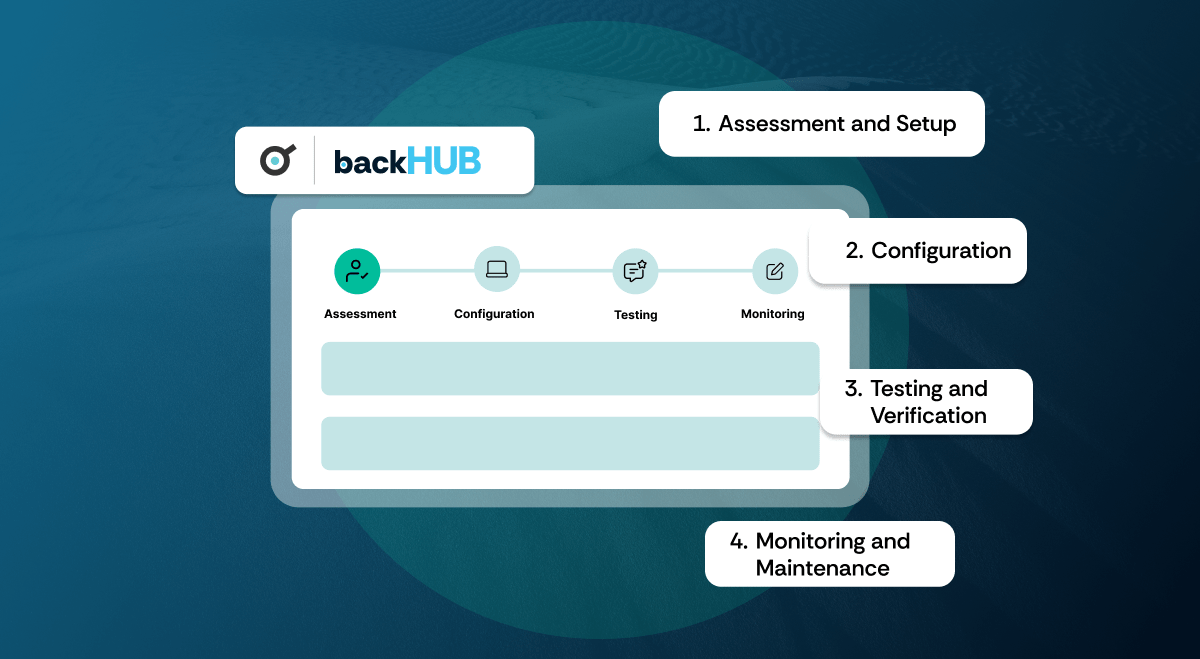
Implementing backHUB involves a streamlined four-step process designed to align with your specific security needs.
- Assessment: We evaluate your current HubSpot portal to identify specific backup requirements.
- Configuration: We customise settings to match your business rhythm, including backup schedules and notification alerts.
- Verification: We conduct rigorous testing of the backup and restore functions to verify data integrity before a crisis occurs.
- Monitoring: We provide ongoing oversight to ensure the system remains robust, enabling immediate responses to any issues without relying on temporary support phases.
People Also Ask (FAQ)
What is the difference between backHUB and HubSpot's native export?
HubSpot's native export is a manual process that creates a static CSV file of current data. backHUB is an automated solution that captures dynamic snapshots of schemas and associations, allowing for functional restoration rather than just data viewing.
Is backHUB secure?
Yes. backHUB leverages the strutoIX infrastructure, which utilises enterprise-grade encryption and security protocols to ensure data is protected both in transit and at rest.
Can I restore a single contact?
Yes. backHUB allows for granular restoration, meaning you can recover specific records or objects without needing to roll back the entire database, preserving work done since the backup was taken.
How often does backHUB back up data?
backHUB can be configured to perform daily automated backups, ensuring that your restore point is never more than 24 hours old, minimising potential data loss.
The security of your data is non-negotiable and by partnering with us, you can enhance your data protection strategy and explore comprehensive HubSpot onboarding and implementation services tailored to your needs. Book a call with us to take the next step in securing your business data.

