


If you've started using HubSpot's AI features, you've probably heard people talk about "AI tokens". The trouble is, that phrase means different things depending on who's talking. In general AI conversations, a token is a small piece of text a language model processes. For example, the word "integrate" could be broken into "inte" and "grate", so two tokens are used. In HubSpot, a token can also mean a personalisation token in an email. And what HubSpot actually bills you in for AI isn't called tokens at all. It's called HubSpot Credits.
This guide clears that up. You'll learn what HubSpot Credits are, how your AI features use them, how many you get with your subscription, and how to buy more without losing control of spend.
Watch: HubSpot AI tokens and credits in under six minutes
In this short explainer, Sean Fowles walks through what credits are, how they're used across your portal, where to find your balance and the options for buying more.
AI tokens, personalisation tokens and HubSpot Credits: what's the difference?
Three terms get mixed up a lot, so here's the short version.
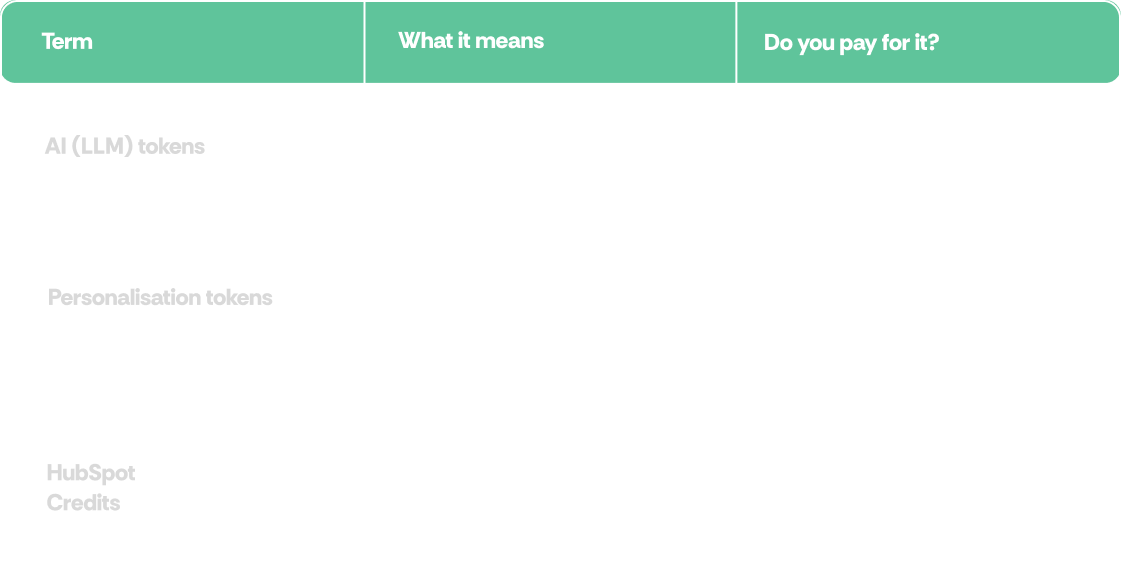
So when someone asks about "HubSpot AI tokens", they almost always mean HubSpot Credits.
How HubSpot Credits work
HubSpot Credits aren't split into separate pots for data, agents or email. They sit in one shared pool across your portal. Different features draw on that pool at different rates.
The important shift is that HubSpot charges for outcomes, not effort. Credits are used when a feature completes a defined action. For example, the Customer Agent only uses credits when it resolves a conversation. It doesn't charge per message.
A useful way to think about it: remember mobile contracts with a set number of minutes a month? Credits work in a similar way. Small, sharp tasks use a little. High-volume AI work uses a lot more.
What common AI actions cost
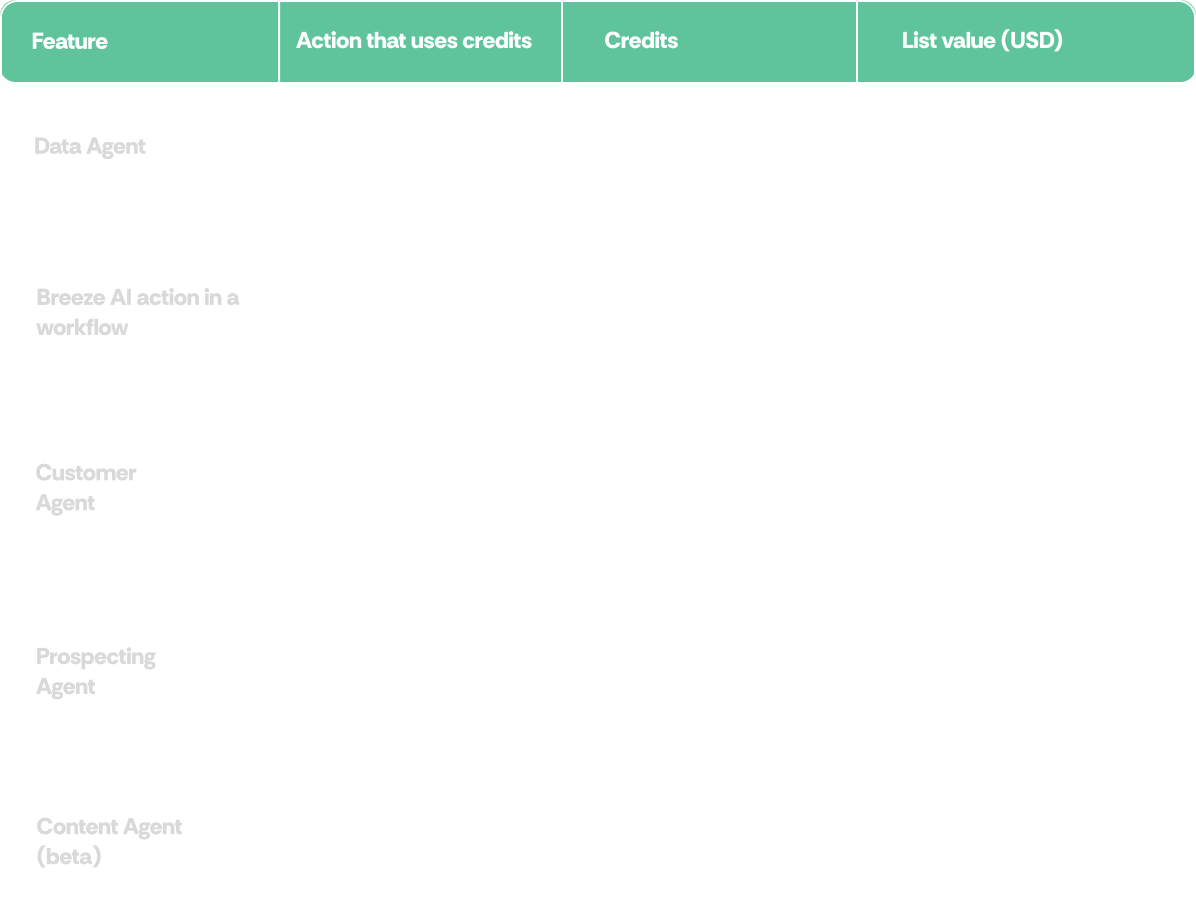
Rates are taken from HubSpot's published rate sheet and can change as HubSpot releases and updates features. Beta features may start using credits, or change rate, as they evolve, so check the HubSpot Product & Services Catalog for the latest figures.
How many credits do you get?
If you're on HubSpot's seat-based pricing, your subscription includes a monthly credit allowance. The amount depends on your highest subscription tier, not how many Hubs you have.
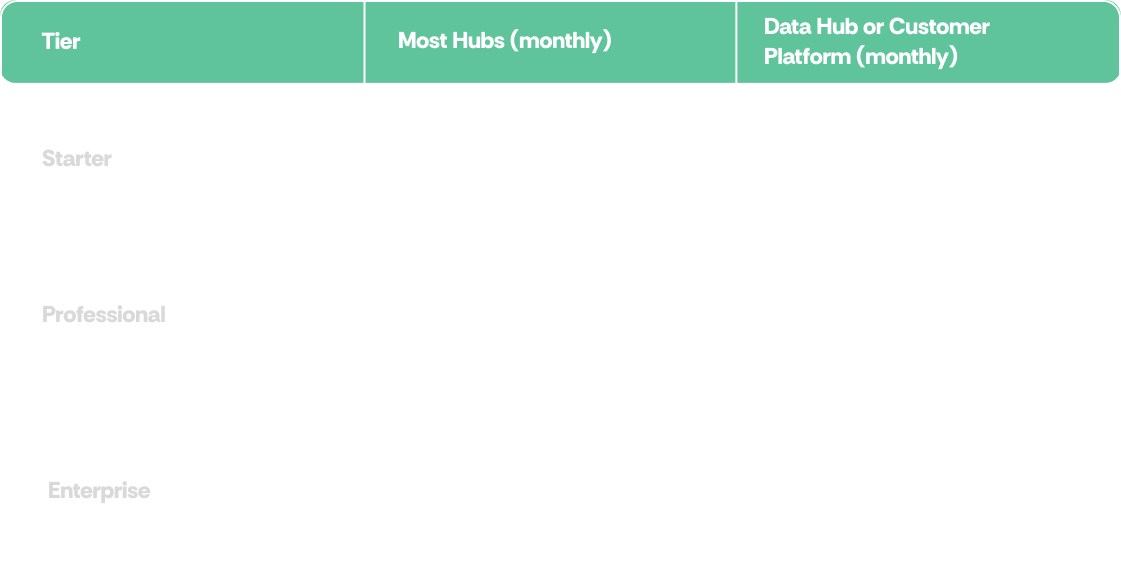
A few things worth knowing:
- Allowances don't stack. Two Professional Hubs give you 3,000 credits, not 6,000.
- Unused credits don't roll over. They reset each month on your usage period start date, so it pays to right-size rather than over-buy.
- Only paid seats can use credits. Free users and View-only seats can't trigger credit-based features.
- Legacy pricing: if you're still on a legacy (non-seat) pricing model, included credits become available when you move to HubSpot Seats.
- Flexible seats-and-credits pricing: HubSpot's newer flexible pricing model includes a larger allowance (5,000 Starter, 10,000 Professional, 15,000 Enterprise), but everyday actions such as marketing email sends and standard workflow actions also draw on credits. If you're on, or considering, this model, it's worth modelling your usage first.
To put that into context, a Professional allowance of 3,000 credits covers roughly 60 resolved Customer Agent conversations, or 300 Data Agent responses, in a month. Any other AI usage comes out of the same pool.
Where to see your credit usage
Super Admins and Billing Admins can check usage in a few clicks:
- Click your account name in the top right corner of HubSpot, then click Account & Billing.
- Click the Usage & Limits tab.
- Open the HubSpot Credits tab.
From there you can see your monthly allocation, current and historical usage, and a breakdown of credits used by each feature. You can also click into any feature to view its settings or pause it.
HubSpot also sends banners and email notifications to Super Admins and billing contacts when you've used 75%, 85% and 90% of your credits, and again when you go over your limit.
How to buy more HubSpot Credits
When you need more than your included allowance, you have two ways to pay. HubSpot lists credits at US$0.01 per credit.
- Capacity packs: buy credits up front in packs of 1,000 credits for US$10 a month. These are added to your monthly allowance for the rest of your commitment term, which keeps spend predictable. You can buy them in Account & Billing > Usage & Limits > HubSpot Credits > Add credits, or through your HubSpot partner.
- Pay as you go: you're charged for each credit you use beyond your monthly limit. Overages are billed monthly, in arrears, in increments of 10 credits. On your reset date, your limit goes back to its original level.
To use either overage option, you first need to have bought at least one capacity pack. If you've only got your included credits, features simply pause when you run out (more on that below).
What happens when you go over your limit
Once you've bought extra credits, going over your monthly limit triggers one of two settings:
- Pay as you go (the default if you bought extra credits on or after 16 September 2026): extra usage is charged per credit, and your limit resets to normal next month.
- Auto-upgrade (the default if you bought extra credits before 16 September 2026): HubSpot automatically adds the next capacity pack to your subscription for the rest of your commitment term. For example, an Enterprise account with 6,000 monthly credits that uses 6,500 is moved up to 7,000 credits a month until renewal.
Capacity packs can only be cancelled or downgraded at the end of your commitment term, so if you're on auto-upgrade, it's worth checking whether pay as you go suits you better. Super Admins and Billing Admins can switch in Account & Billing > HubSpot Credits > Overage setting > Edit.
Your built-in spend limit
When you buy extra capacity packs, HubSpot automatically sets an account-level spend limit at 50% above your total monthly credits. For example, a Marketing Hub Professional account with 3,000 included credits plus 5,000 purchased credits has 8,000 monthly credits, so its default spend limit is 12,000.
When you hit that limit, credit-based features pause until your next reset date. You can change the limit at any time under Account & Billing > HubSpot Credits > Maximum monthly credits, and set separate limits for individual features under Feature credit limits.
Prices shown are HubSpot's published USD list prices. Your own quote will reflect your currency, tax and contract terms.
What happens if you run out?
If your credits run out and you haven't bought extra capacity, credit-based features pause until your next reset date or until you buy more. For example, the Customer Agent stops being assigned to new conversations, and those conversations are routed to your team through your normal handoff process.
That's why it's worth deciding your buying model before you scale up an AI workflow, not after.
Best practice: getting value from your credits
- Start with a small test. Run a new AI workflow on a small segment before rolling it out across your portal.
- Set a credit limit. Set account and feature-level limits you're comfortable with so usage stops there instead of running on.
- Review usage regularly. Check which features are using the most credits and whether they're delivering results.
- Scale what works. Put more credits behind the workflows that save time or drive revenue, and switch off the ones that don't.
- Match your package to how your team works. Don't buy for the portal you wish you had. Buy for how you use HubSpot today and where you're taking it next.
HubSpot AI tokens and credits: FAQs
Are HubSpot AI tokens the same as HubSpot Credits?
In practice, yes. When people say "HubSpot AI tokens" they usually mean HubSpot Credits, which is HubSpot's unit for metering AI and usage-based features. They're not the same as LLM tokens, and there's no direct conversion between the two.
How many HubSpot Credits are included in my subscription?
It depends on your highest subscription tier. On standard seat-based pricing, most Hubs include 500 (Starter), 3,000 (Professional) or 5,000 (Enterprise) a month, and Data Hub and the Customer Platform include 500, 5,000 or 10,000. Your live figure is always shown in your portal.
How much does a HubSpot Credit cost?
HubSpot lists credits at US$0.01 each. You can buy capacity packs of 1,000 credits for US$10 a month, or pay as you go for credits used beyond your monthly limit.
Do unused HubSpot Credits roll over?
No. Unused credits expire at the end of each monthly usage period.
How many credits does the Customer Agent use?
50 credits per resolved text-based conversation. Credits are charged on resolution, not per message, so a long back-and-forth on one issue doesn't cost more.
What's the difference between pay as you go and auto-upgrade?
Pay as you go charges you per extra credit used, then resets your limit the following month. Auto-upgrade permanently adds a capacity pack to your subscription for the rest of your term. Pay as you go is the default for credits bought on or after 16 September 2026.
How do I stop overspending on HubSpot Credits?
Use the account-level spend limit (set at 50% above your monthly credits by default) and add feature-level limits for your heaviest users of credits. Review your usage regularly, start new AI workflows small, and scale the ones that deliver results.
Why has HubSpot moved to credit-based pricing?
Credit-based pricing is consumption-based. Rather than paying a flat fee per seat for AI, you pay for the AI work that actually gets done. Small tasks cost little and high-volume work costs more.
Not sure how many credits you need? Talk to Struto
Every portal is different. The right allowance, limits and buying model depend on how your team uses HubSpot's AI today and where you want to take it.
As a HubSpot partner, Struto can help you:
- Review your current credit allocation and usage.
- Spot the AI workflows worth scaling (and the ones that aren't).
- Recommend the right buying model and limits for your team.
- Handle the licensing conversation with HubSpot for you.